
Requesting a refund
How refunds work in ChatNow depends on where you purchased your subscription.
Before proceeding, first identify whether you subscribed via the Apple App Store or on the ChatNow website.
Apple App Store subscriptions
If you subscribed through the iOS app, all payments and refunds are handled entirely by Apple.
What this means
ChatNow does not process payments
We do not have access to your billing information
We cannot issue refunds or make billing exceptions
All refund decisions are made by Apple
How to request a refund from Apple
To request a refund, you must contact Apple directly:
👉 https://support.apple.com/billing
From there, select Request a Refund and follow Apple’s instructions.
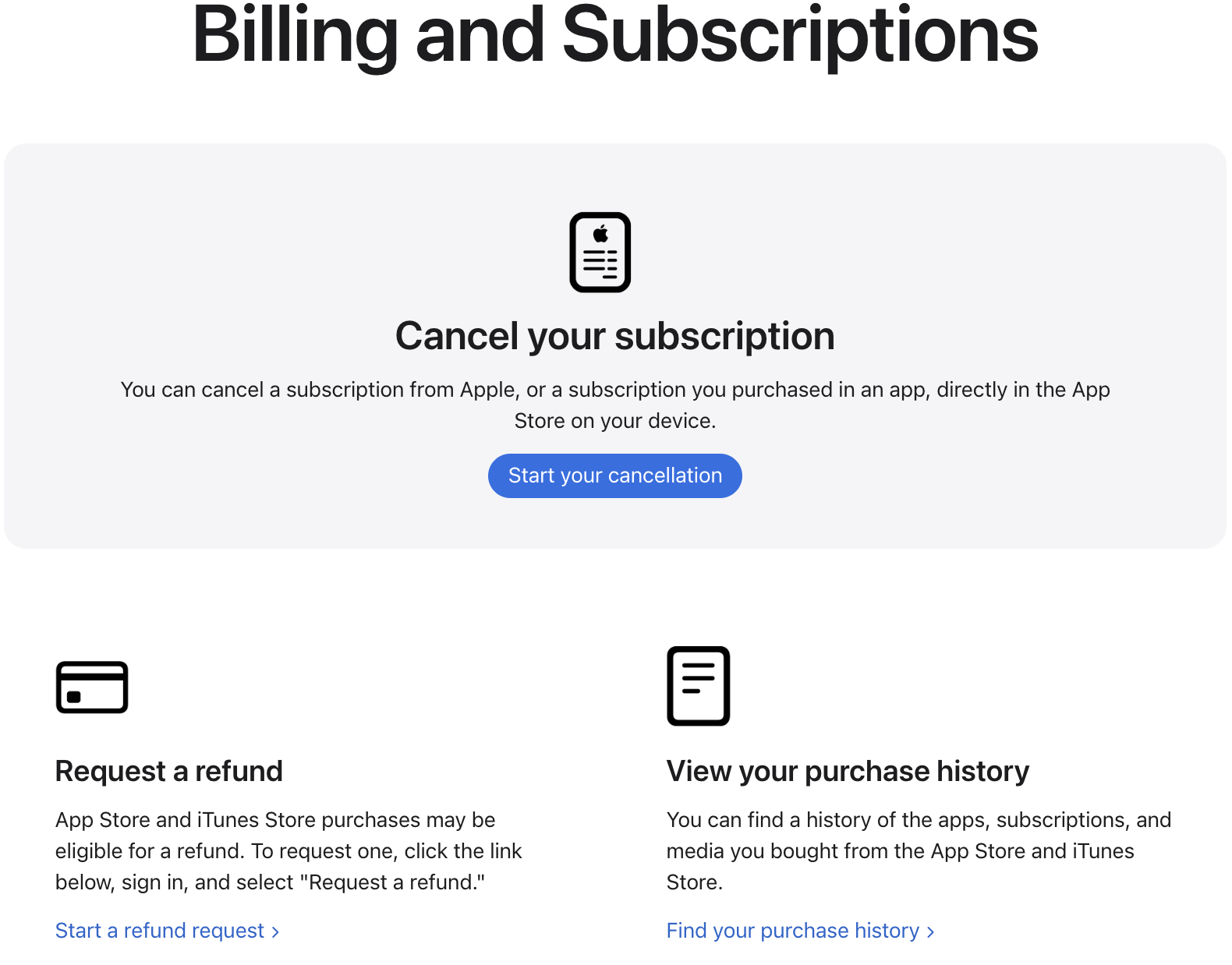
Apple will review your request and decide whether a refund is approved.
If Apple denies a refund, ChatNow is unable to override or change that decision.
Website subscriptions (Paddle)
If you subscribed on the ChatNow website, refunds are handled through Paddle.
How to request a website refund
Go to 👉 https://billing.chatnow.app/
Enter the email address you used at checkout
Enter the security code you will receive at your email address
Access your billing dashboard
Select your subscription
Go to the transaction
Request a refund

Refund requests are:
Reviewed by Paddle
Subject to approval
Typically processed within 5–10 business days
Important things to know
Refunds are not guaranteed
Used credits cannot be refunded
If a refund is approved, access may end immediatelyW
About trials
A 3-day free trial is available only on weekly plans
The trial must be manually activated in the app
If another plan is selected, the trial is skipped
After the trial ends, the subscription renews automatically
Monthly and yearly plans do not include a trial.
Credits and refunds
Chat usage is unlimited and does not affect refunds
Image and video generations use credits
Credits used cannot be refunded or manually re-added
A generation attempt consumes credits once processed, even if the result was not as expected.
What ChatNow cannot do
To avoid confusion, ChatNow cannot:
Issue refunds for Apple subscriptions
Override Apple’s refund decisions
Refund used credits
Convert or merge subscriptions
Make exceptions outside Apple or Paddle policies
Not sure where you subscribed?
Subscribed in the iOS app → Apple App Store
Subscribed on the ChatNow website → Website subscription
If you’re unsure, contact support and include the email address you may have used.